Tables vs Lusha
The cleaner alternative to Lusha.
Tables is built for sales teams that have outgrown Lusha. Get a 300M+ verified contact database, run AI research at scale, filter prospects by their actual tech stack, and sync everything natively to HubSpot. Built in Denmark for whole sales teams.



Side by side
Tables and Lusha, compared.
| Comparison | | |
|---|---|---|
Pricing | Tailored to your team | Per-seat + credits |
Built for | Sales teams | Individual reps |
LinkedIn extension | Reveal + add to lists, sync to HubSpot | Reveal-focused, fast |
Ease of use | Simple yet powerful | Contact reveal tool |
AI Enrichment | ||
AI Search | ||
Wappalyzer tech filter | ||
HubSpot integration | ||
Chrome extension | ||
GDPR compliant | ||
Based in | 🇩🇰 Denmark | 🇮🇱 Israel |
Reason 1
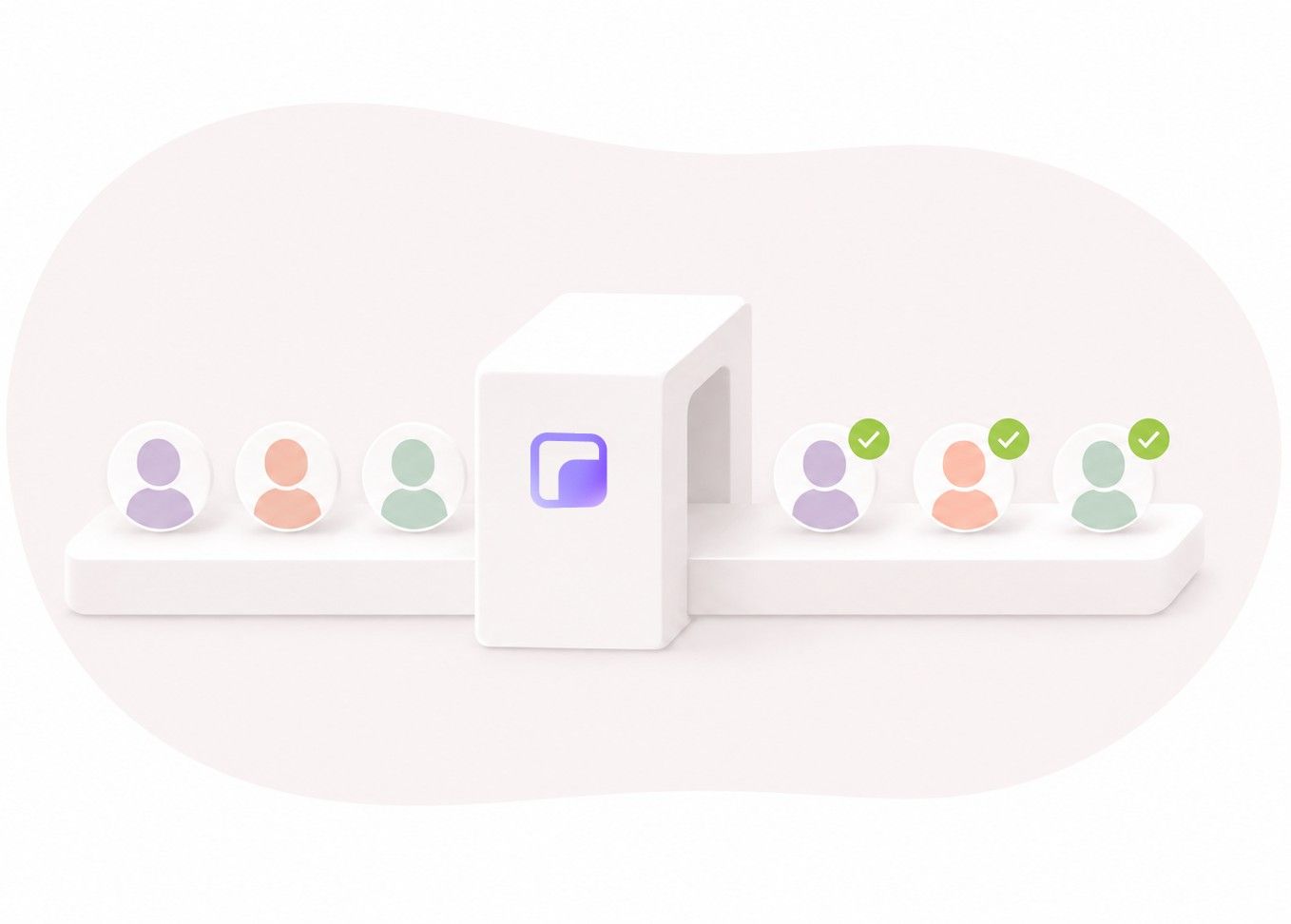
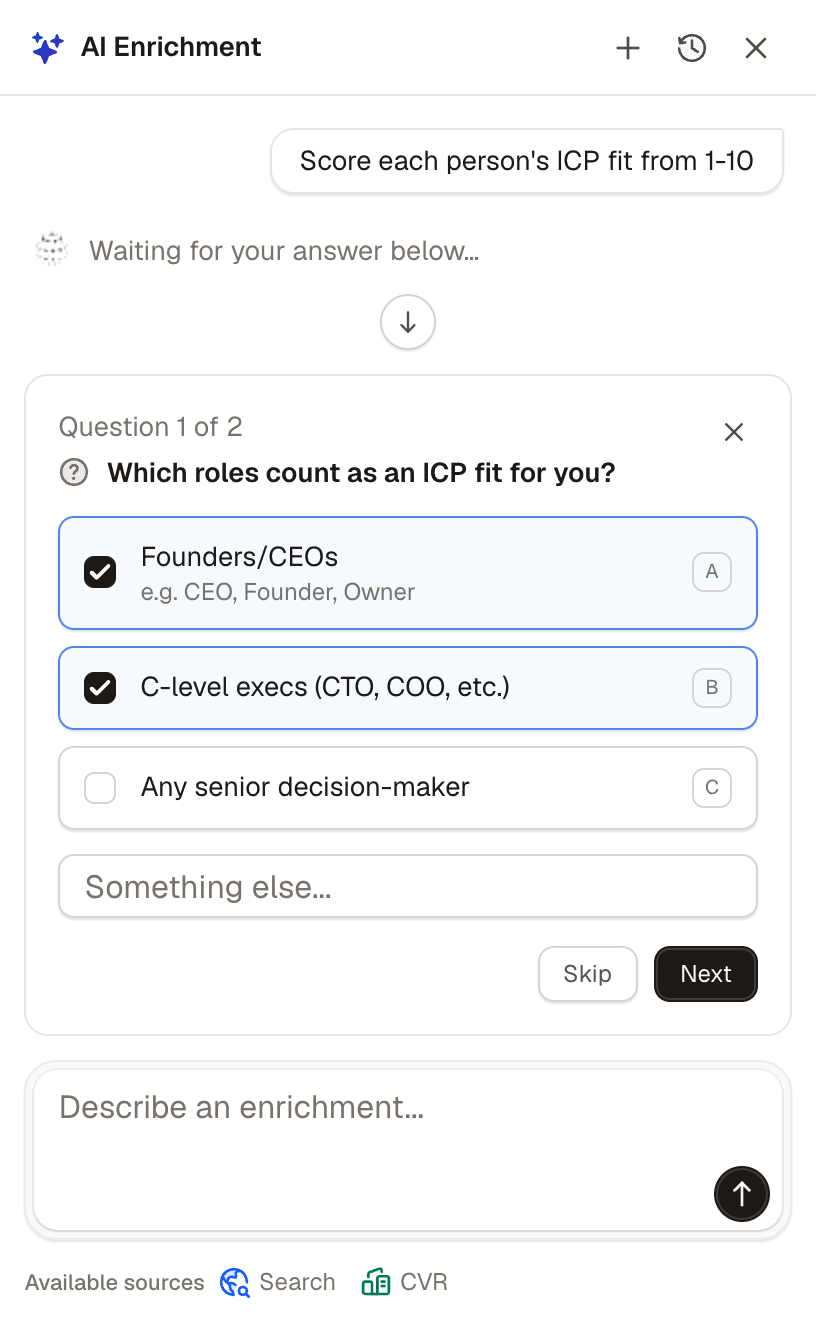
AI Enrichment that works at scale
Tables runs AI research agents on every prospect automatically. They check LinkedIn, browse the web, and pull context from public sources.
Lusha is excellent at revealing contact details. Tables reveals the contact and the research, across whole lists, with no API keys.
Reason 2
Search with AI, in natural language
Describe who you want to find. Like "directors of marketing at companies running HubSpot."
Tables's AI builds the filters for you. Lusha's search is built around revealing existing contacts. Tables helps you find new ones at scale.

Reason 3
Find prospects by their actual tech stack
Tables uses Wappalyzer to filter by the technology a company actually runs.
Looking for Shopify stores? Companies on Salesforce or Klaviyo? Build the list in seconds.
Lusha focuses on contact data. Tables helps you find the right companies first, then the people inside.

Reason 4
Native HubSpot integration with owner sync
Tables pushes leads to HubSpot natively, with custom field mappings, owner assignment, and static fields.
Lusha supports HubSpot too, with bulk export from LinkedIn search. Tables's edge is upstream: the list is already filtered, qualified, and enriched before it lands. Lusha gives you the contact. Tables gives you the contact in context.

Reason 5
Simple yet powerful, by design
Our philosophy: simple is complicated enough.
Lusha is genuinely simple, but it is a contact-reveal tool. Tables keeps that simplicity and adds what sales teams need next: AI research, tech filters, and search across whole lists.

Reason 6
Where Lusha is the better fit
Lusha is the better fit if you are an individual rep or a very small team.
It is genuinely simple, fast, and built around revealing contact details on LinkedIn. For someone who just needs to grab emails and phone numbers and move on, Lusha is hard to beat.
Pick Tables if you are running a sales team that needs more than contact reveals. AI research at scale, tech stack filtering, and lists built and synced into HubSpot, ready to work.

A complete solution for finding your ideal customers.
Search, enrichment, and AI research are built into one platform so every prospect arrives verified, researched, and ready for outreach.
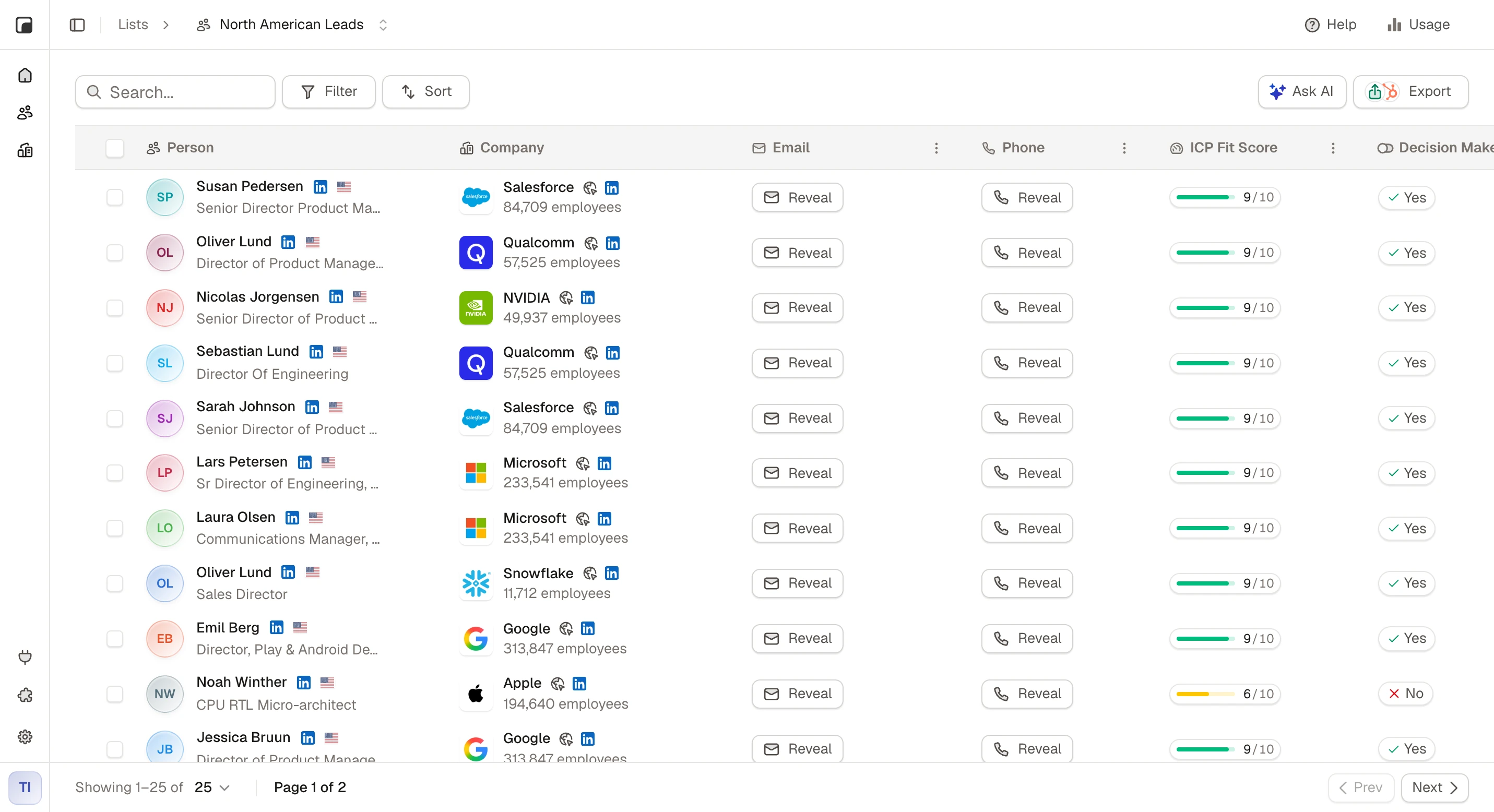
Meet your next customers
AI researches every prospect, scores how well they match your ideal customer, and helps you focus on the right leads.


Amélie Moreau
Founder · Lyon Data Studio
Freja Lindqvist
VP Sales · Nordisk Byggteknik
Marcus Weber
Head of Growth · Berlin Cloud
Start with the right leads
Access over 300M+ contacts and find the people and companies you're looking for.

Never feel unprepared again
AI helps you get to know every prospect before you reach out, so you can qualify leads, understand their business, and have better conversations.
Smarter outbound runs on Tables.
Comparisons
Comparing other tools?




FAQ