

New
Tables, right inside Claude.
Connect your workspace to Claude with our MCP server, so Claude can search, enrich, and act on your Tables data without leaving the chat.
Setup
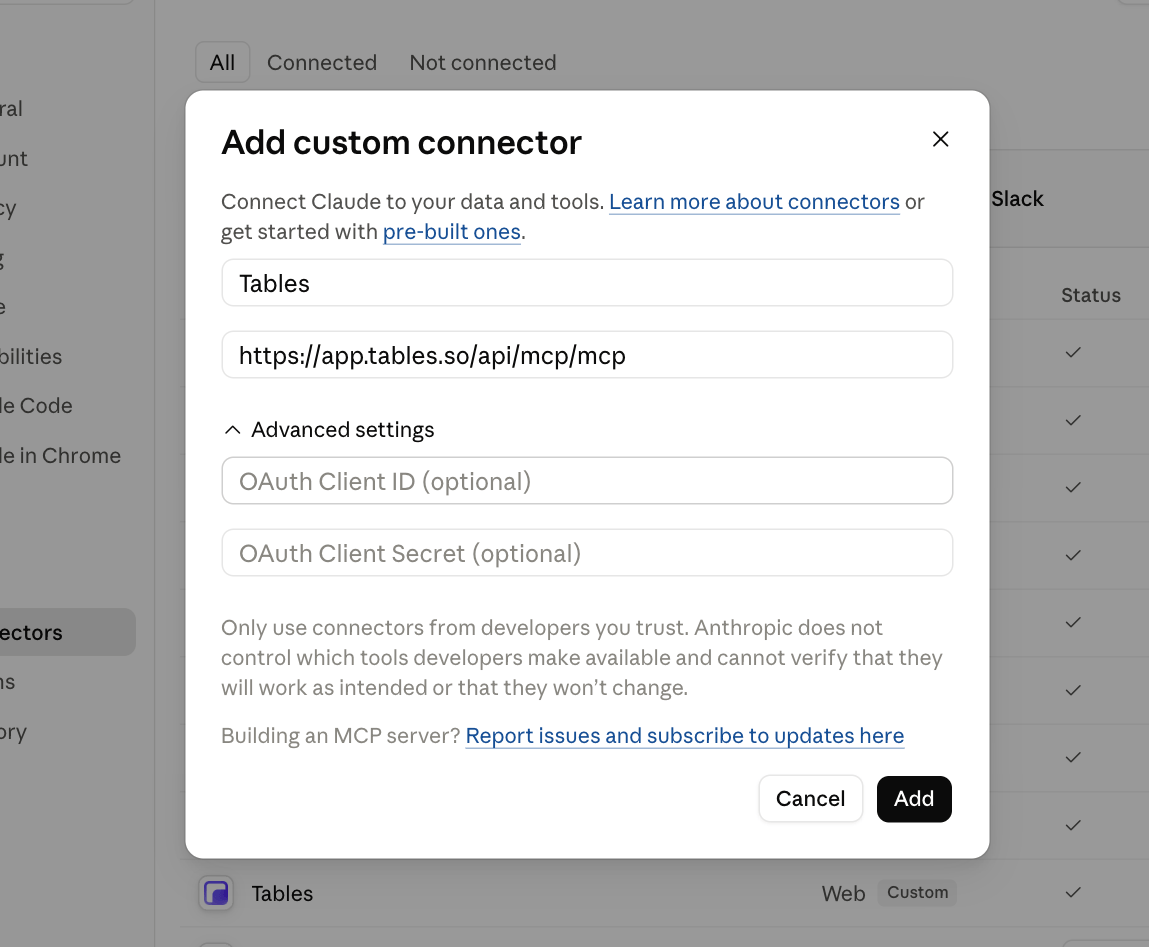
Two clicks to connect
Click Add to Claude above. Claude opens its connector dialog with the Tables server already filled in, so just click Add, then sign in to your workspace.
Search & enrich
Ask Claude to find leads and enrich them on the spot
Describe who you’re looking for in plain language. Claude calls Tables through MCP to search 300M+ contacts and return verified emails and phone numbers directly in the conversation.

Matched prospects from your local documents and enriched them with live data:
Read local files
leadlist.csv
READ

Enrich prospects
Person + company data added
Type / for commands
Explore more
More ways to use Tables.
Smarter outbound runs on Tables.
Get started