Tables vs Clay
The cleaner alternative to Clay.
Tables is the simpler alternative to Clay. Built-in AI research agents, a 300M+ verified contact database, Wappalyzer tech filtering, and native HubSpot. No API keys, no waterfall configuration, no RevOps engineering required.


Side by side
Tables and Clay, compared.
| Comparison | | |
|---|---|---|
Pricing | Tailored to your team | Credit-based |
Data approach | Built-in 300M+ database | Provider orchestration |
Data providers | All built in, no setup | 150+ providers, you wire them |
Workflow flexibility | Opinionated, fast paths | Custom workflows + formulas |
Ease of use | Simple yet powerful | Built for engineers |
AI Enrichment | ||
AI Search | ||
Wappalyzer tech filter | ||
HubSpot integration | ||
Chrome extension | ||
GDPR compliant | ||
Based in | 🇩🇰 Denmark | 🇺🇸 United States |
Reason 1
AI Enrichment without the engineering
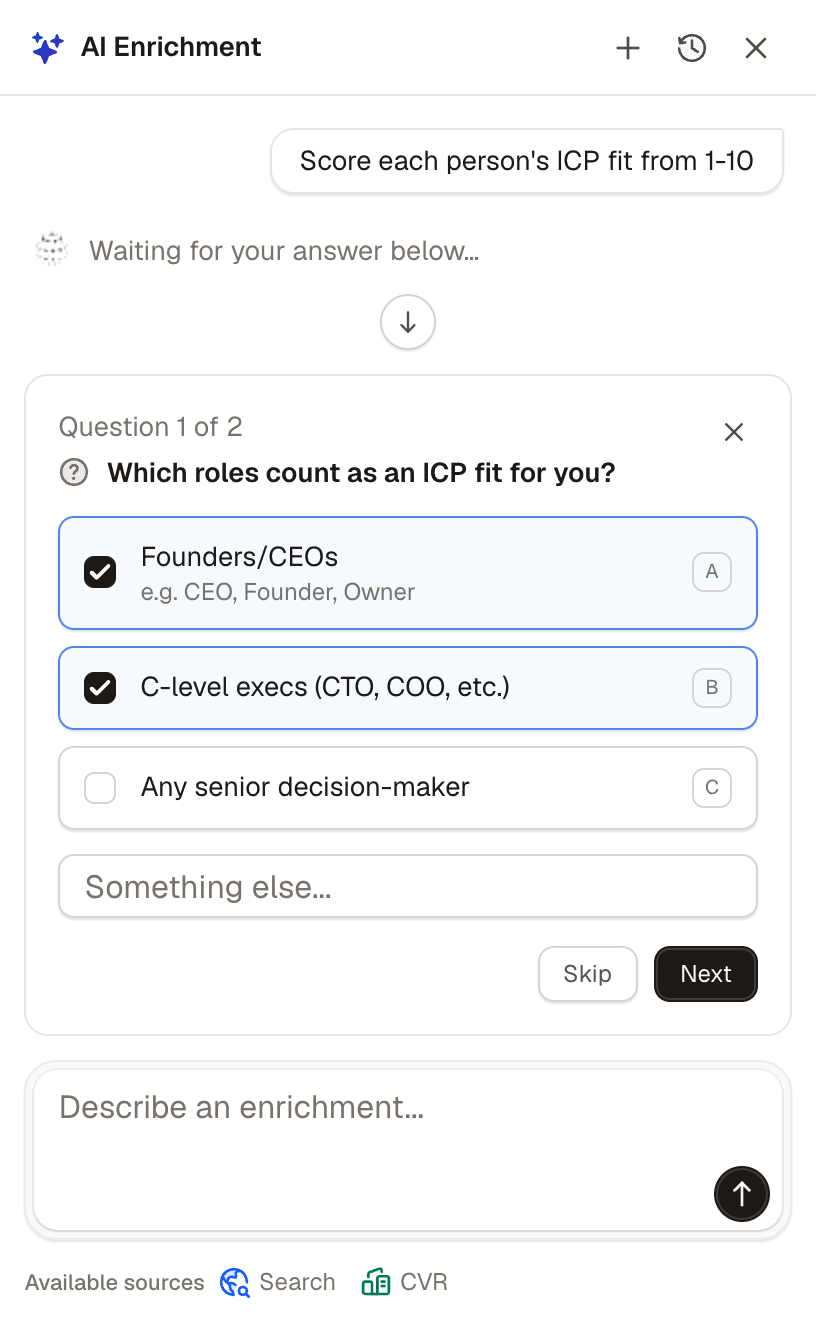
Tables runs AI agents that enrich prospects automatically. You describe what you want, click run.
No API keys, no provider stacks, no conditional logic. The agents browse the web, check LinkedIn, and pull context from public sources.
Clay's Claygent does similar work, but lives inside complex workflows. Tables's enrichment is the main interface.
Reason 2
Find prospects by their actual tech stack
Tables includes a built-in Wappalyzer integration. Filter prospects by the technology they actually run.
Looking for Shopify stores? Companies on Salesforce or Klaviyo? Build the list in seconds.
In Clay, this would mean configuring a custom integration. In Tables, it's a filter.

Reason 3
Search with AI, in natural language
Describe who you want to find. Like "engineering leaders at Series B SaaS companies hiring SDRs."
Both Tables and Clay support natural language search. The difference is surface: Tables makes search the main interface. In Clay, it lives inside the workflow builder.
Reason 4
Native HubSpot integration with owner sync
Tables sends leads to HubSpot natively, with custom field mappings, owner assignment, and static fields.
In Clay, getting clean data into HubSpot usually means webhooks, Zapier, or a custom workflow. In Tables, it's one click. Reps land owned and segmented, no glue code involved.

Reason 5
Simple yet powerful, by design
Our philosophy: simple is complicated enough.
Clay's strength is depth. Connect anything, build anything. The trade-off is the engineering required to get there. Tables is built for reps, not RevOps, so day one looks like prospecting, not setup.

Reason 6
Where Clay is the better fit
Clay is the better fit if you have RevOps engineers on staff.
Clay is incredibly flexible. You can chain dozens of data providers, write custom formulas, and build any workflow you can imagine. There is a whole industry of Clay experts and agencies whose entire job is operating Clay for clients.
If you have that engineering capacity in-house, Clay is more powerful than Tables. We took the opposite path: give sales people the same power directly, automated and simple, no specialist needed.

A complete solution for finding your ideal customers.
Search, enrichment, and AI research are built into one platform so every prospect arrives verified, researched, and ready for outreach.
Meet your next customers
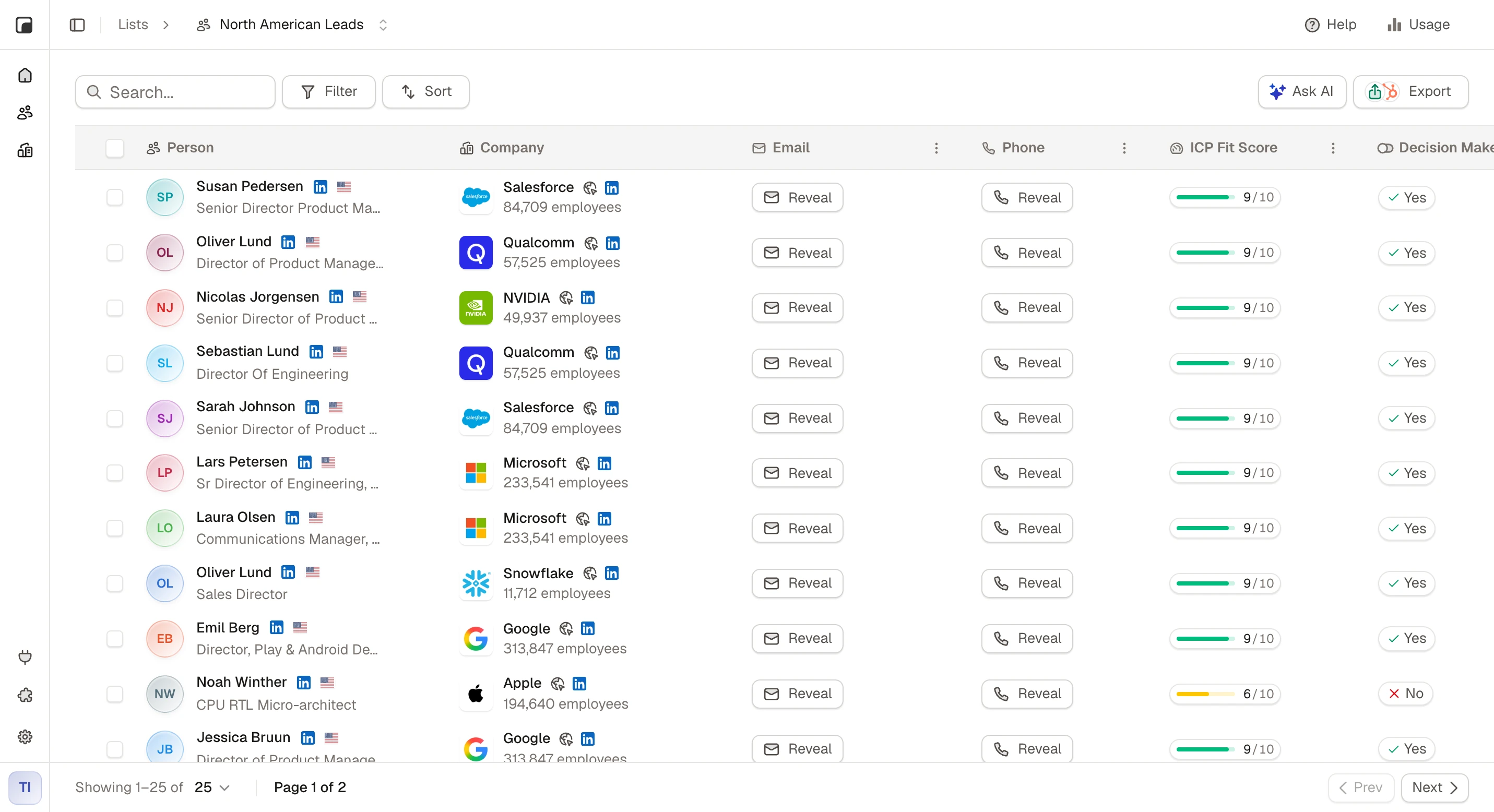
AI researches every prospect, scores how well they match your ideal customer, and helps you focus on the right leads.


Amélie Moreau
Founder · Lyon Data Studio
Freja Lindqvist
VP Sales · Nordisk Byggteknik
Marcus Weber
Head of Growth · Berlin Cloud
Start with the right leads
Access over 300M+ contacts and find the people and companies you're looking for.

Never feel unprepared again
AI helps you get to know every prospect before you reach out, so you can qualify leads, understand their business, and have better conversations.
Smarter outbound runs on Tables.
Comparisons
Comparing other tools?






FAQ